
Your AI marketing co-pilot for Etsy — ask about SEO, competitors, pricing and product optimization, and get answers tailored to your store.
This guide shows you how to open and use GenieX step by step — where to find it in your dashboard, how to ask a question or run a command, how to add web search or an image, and how credits work. GenieX is a built-in dashboard tool, so there's nothing to install.
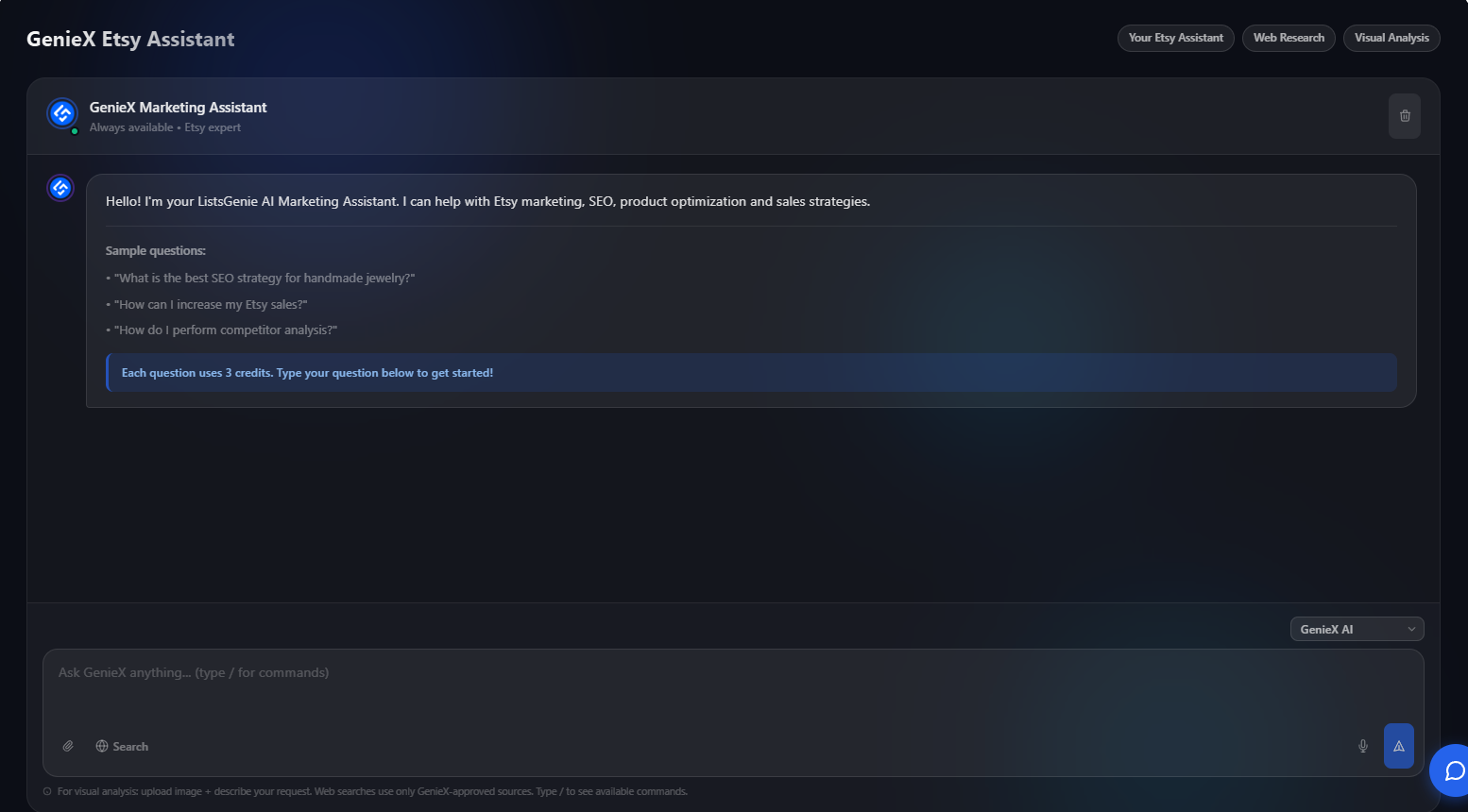
GenieX is included with the Professional plan. Each message you send uses 3 credits, and the chat shows a reminder before you start. You'll find it under GenieX in the dashboard sidebar (and in the mobile menu).
Sign in at listsgenie.com/dashboard and click GenieX in the left sidebar. You'll see a welcome message with sample questions to get you going.
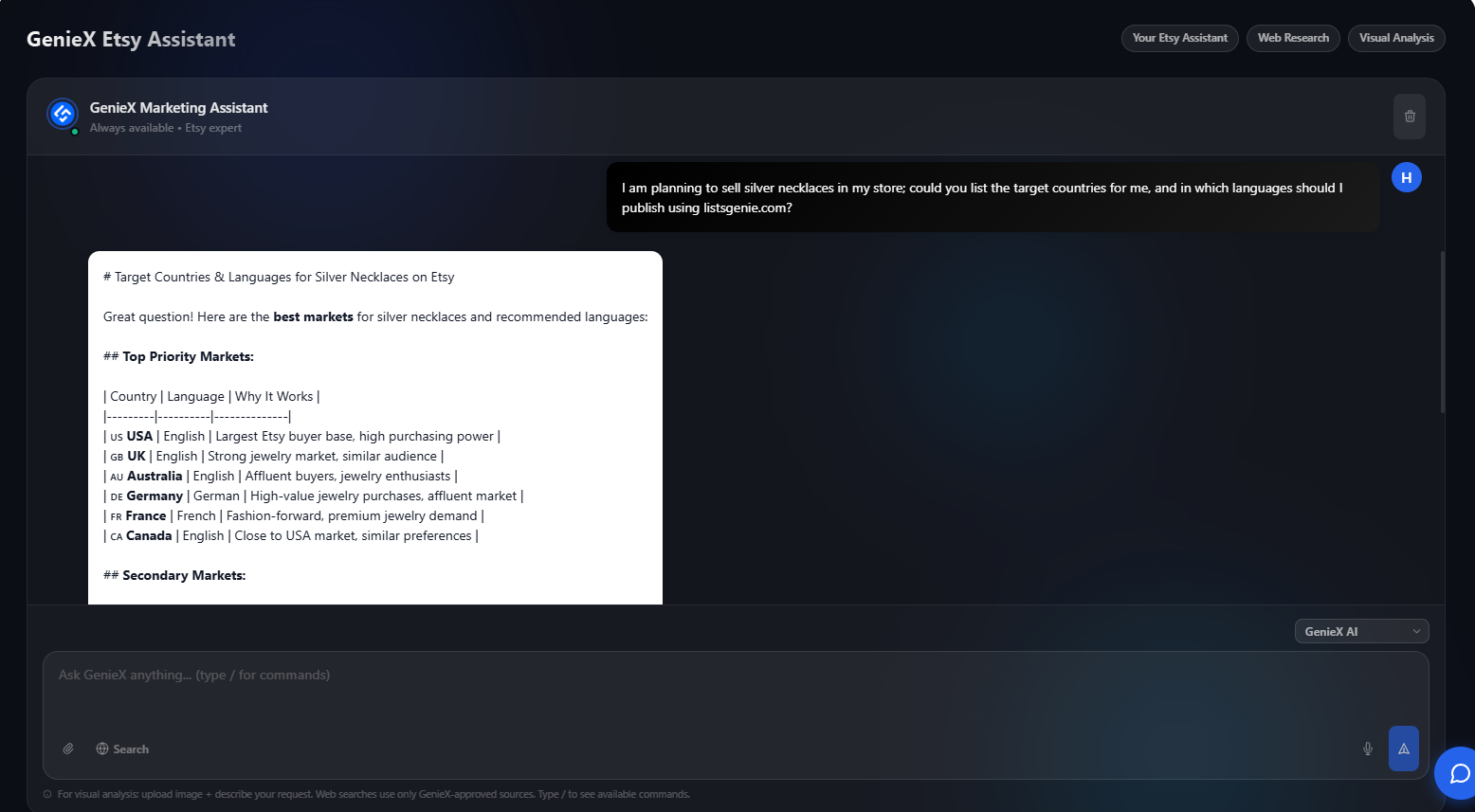
Type any Etsy marketing question in plain language, such as "What's the best SEO strategy for handmade jewelry?" or "How can I increase my Etsy sales?". For focused tasks, type / to open the command palette and pick a shortcut.
Toggle Search to let GenieX pull current information from approved sources — useful for trends and fresh keyword ideas. Need a visual opinion? Click the attach button to upload a product image and ask GenieX to analyze it. You can also use voice input to dictate your question.
GenieX replies with tailored, actionable guidance you can apply right away. Keep the conversation going to refine ideas — each message costs 3 credits, so ask focused questions to get the most value.
Keyword ideas, title and tag strategy for a product or niche.
Break down what's working for similar Etsy listings and shops.
Attach a product photo and get feedback on how it reads to buyers.
Guidance on positioning and pricing for your market.
| Credit cost | 3 credits / message |
| Plan | Included on the Professional plan |
| Extras | Slash commands · Web search · Image attachment · Voice input |
| Note | Complex or multi-output prompts may use more; the app shows the cost first |
Upgrade to Professional and let GenieX guide your Etsy SEO, pricing and growth.
See Plans →